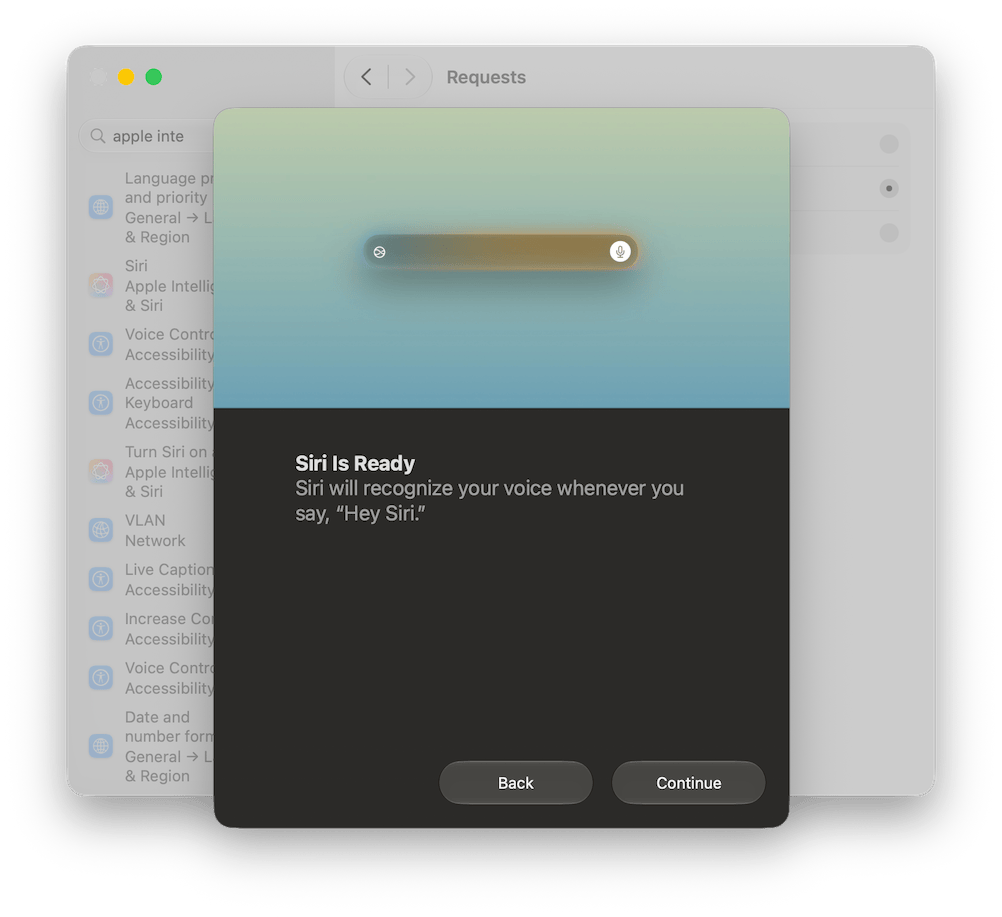
Earlier today, I tried to activate Siri AI (Beta) on the Macbook Air M1 that I updated to Golden Gate a couple of weeks ago.
For now, and who knows for how much longer, here in Europe there’s no hope of using Siri AI on the iPhone or iPad due to the ongoing disputes between Apple and European regulators. But on the Mac, there shouldn’t be any issues, provided you use English as the language for both your Mac and Siri.
– Source: Julian Zwengel on Unsplash.
One of the (few) reasons to switch to macOS 26 Tahoe is the opportunity to use the language model that powers Apple Intelligence.
Apple Intelligence is the final product, natively integrated into the Apple ecosystem, with which we can process text (but also images) directly on our device. For example, by selecting a section of text and right-clicking with the mouse to choose Show Writing Tools, we have at our fingertips a useful tool for summarising those mile-long documents or for rewriting hastily jotted-down sentences.
 IT
IT
 EN
EN