 IT
IT
 EN
EN

Siri AI and more on Apple Intelligence
Earlier today, I tried to activate Siri AI (Beta) on the Macbook Air M1 that I updated to Golden Gate a couple of weeks ago.
For now, and who knows for how much longer, here in Europe there’s no hope of using Siri AI on the iPhone or iPad due to the ongoing disputes between Apple and European regulators. But on the Mac, there shouldn’t be any issues, provided you use English as the language for both your Mac and Siri.
So, here I am again, heading to System Settings > Apple Intelligence & Siri — oops, on Golden Gate it has been renamed simply to Siri – to configure Siri so that it uses the same language as the Mac, which is already set to English.
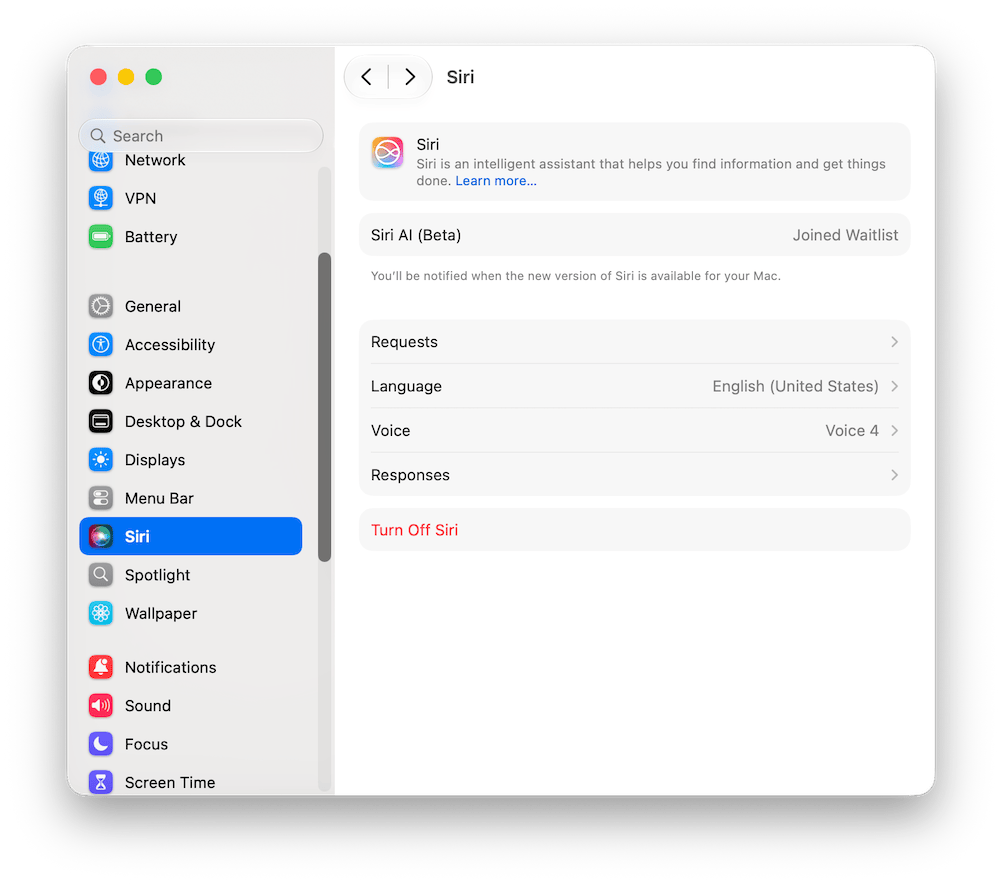
Hey Siri (AI)
Nothing new so far. However, even though I was apparently placed on a waiting list to be notified when the new version of Siri would be available for my Mac,

after just a few seconds, a popup appeared allowing me to set up Siri AI right away.
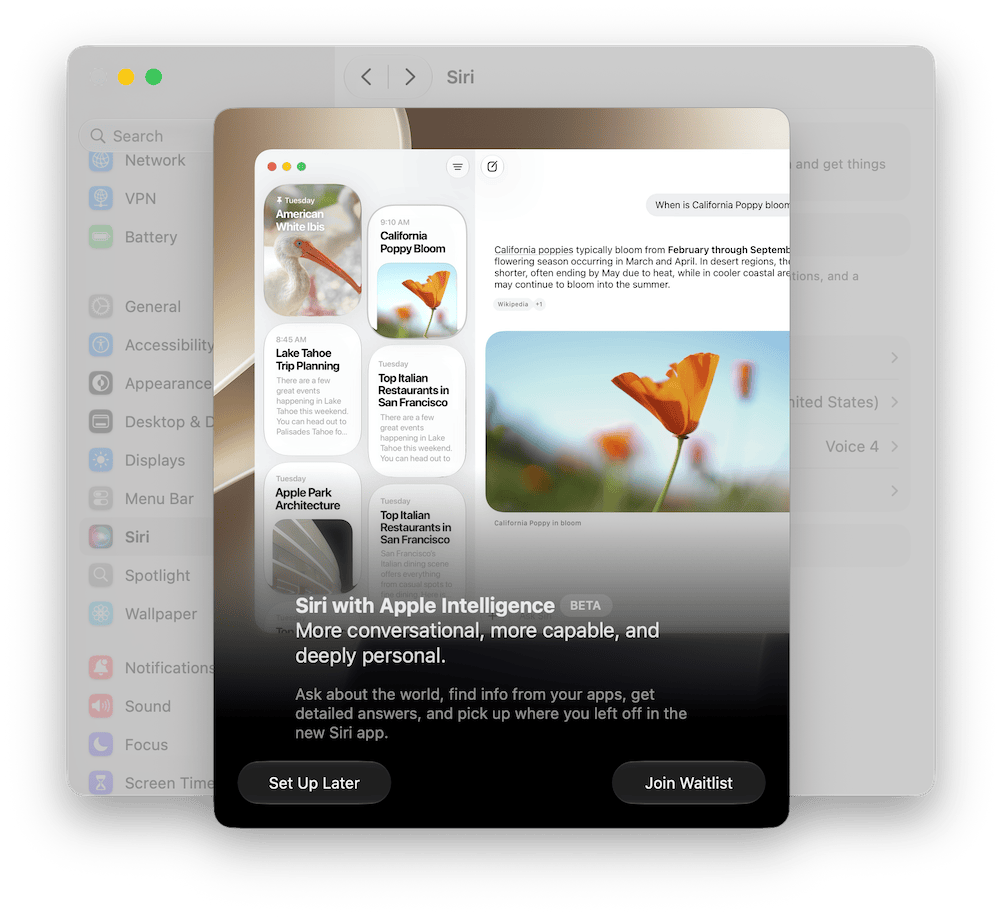
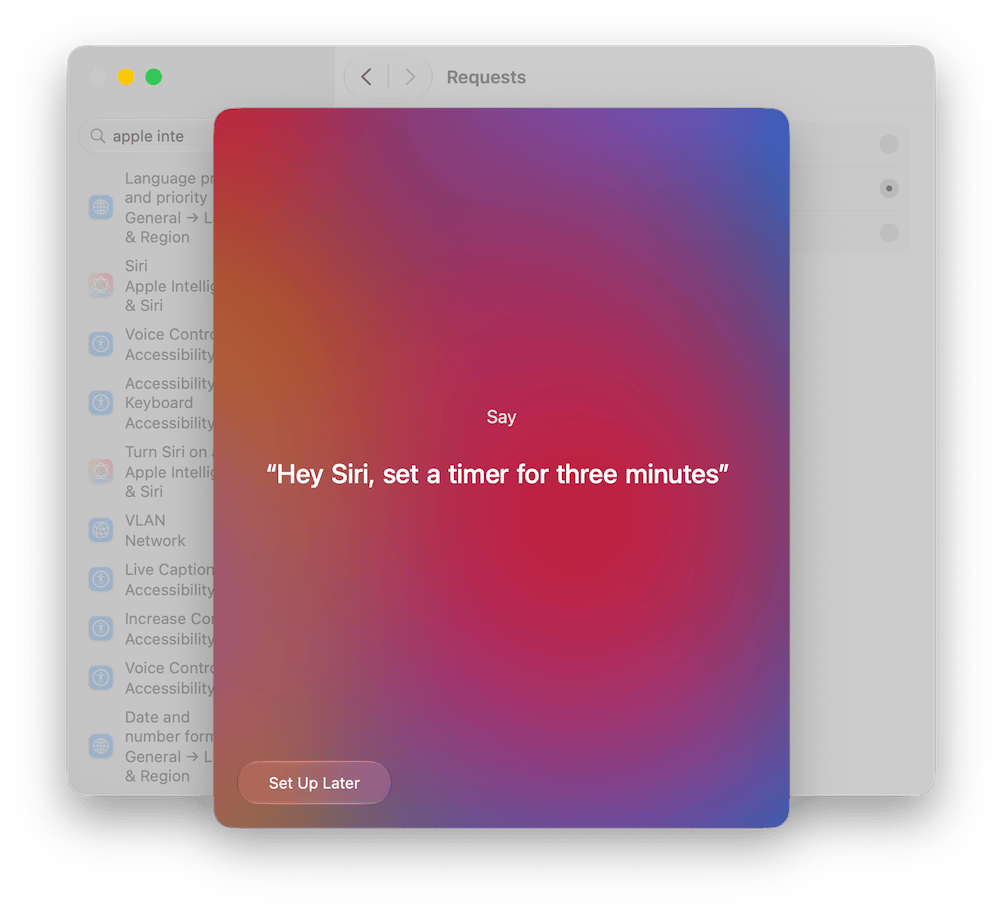
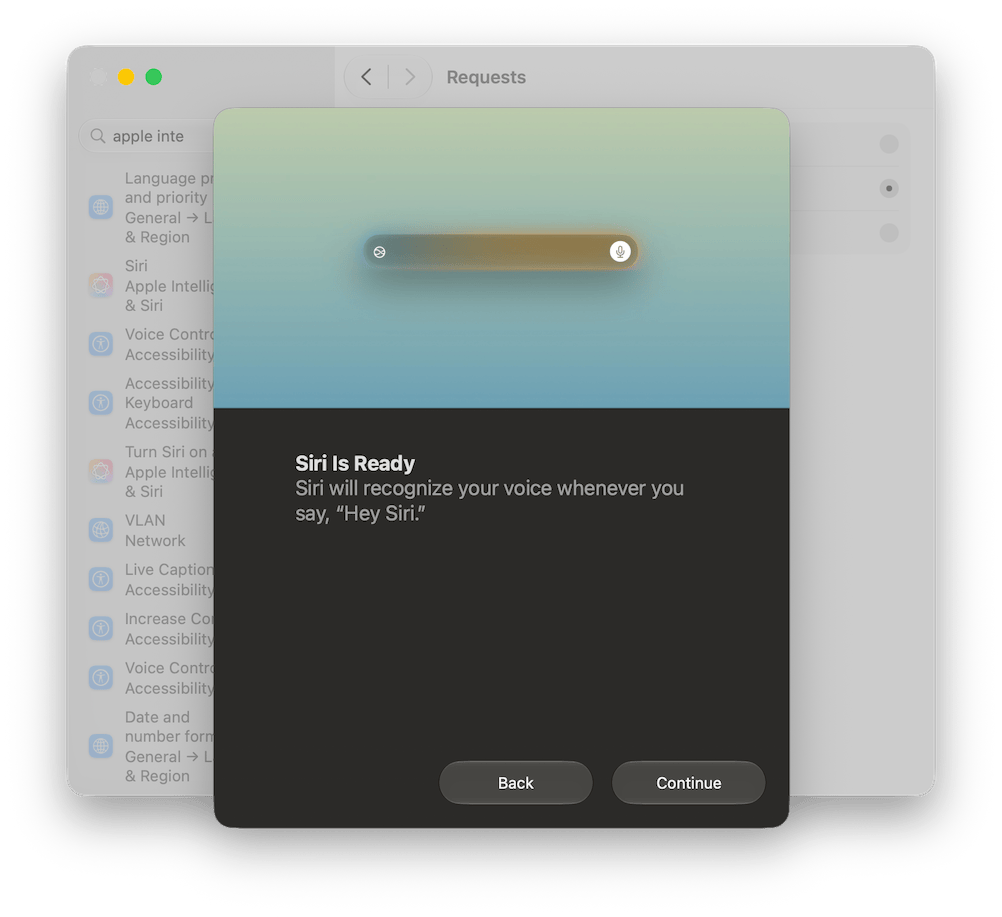
As soon as I finished the setup, the System Settings > Siri pane changed to what you see below,
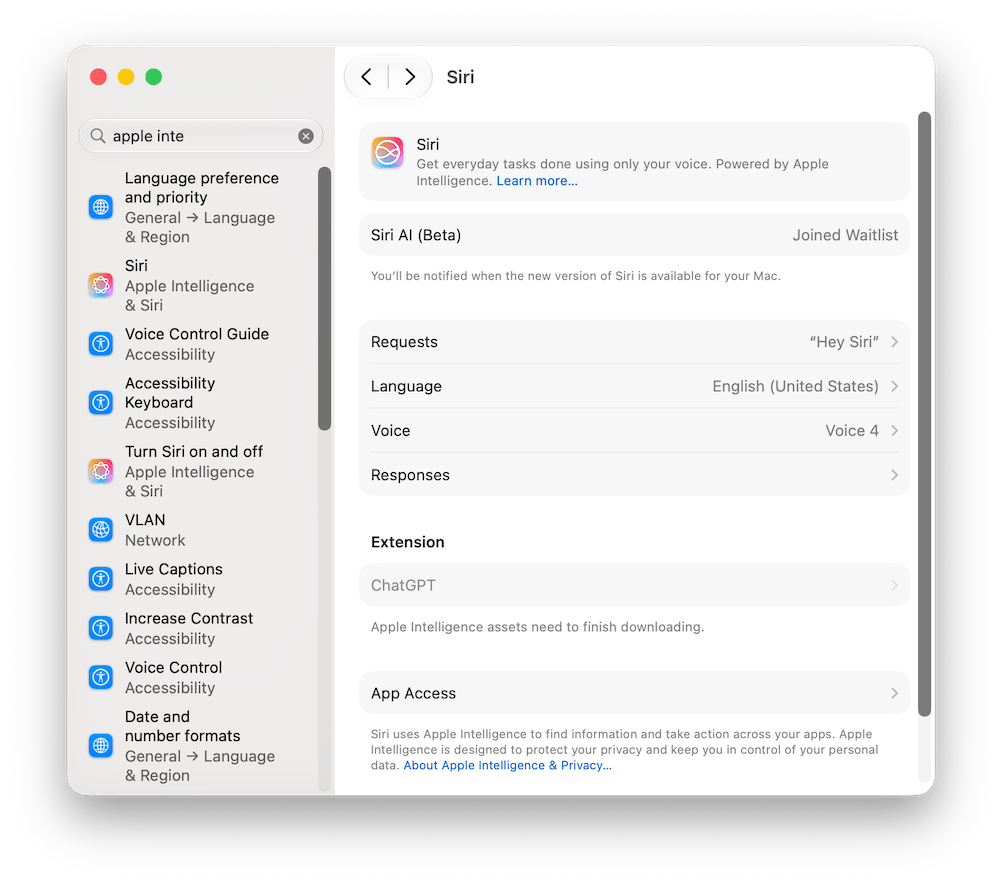
and, after the usual long wait for the language model download, my Mac running Golden Gate was finally ready to use Siri AI.
Now, I just need to find the time to give it a proper spin! 😇
Apple Intelligence on Sequoia
While I was doing all this, Apple Intelligence also got activated on the two Macs running Sequoia that I use daily for work. It all started with a notification on my Mac Mini M1,

and straight after that, the System Settings for Siri changed too, becoming as shown below.
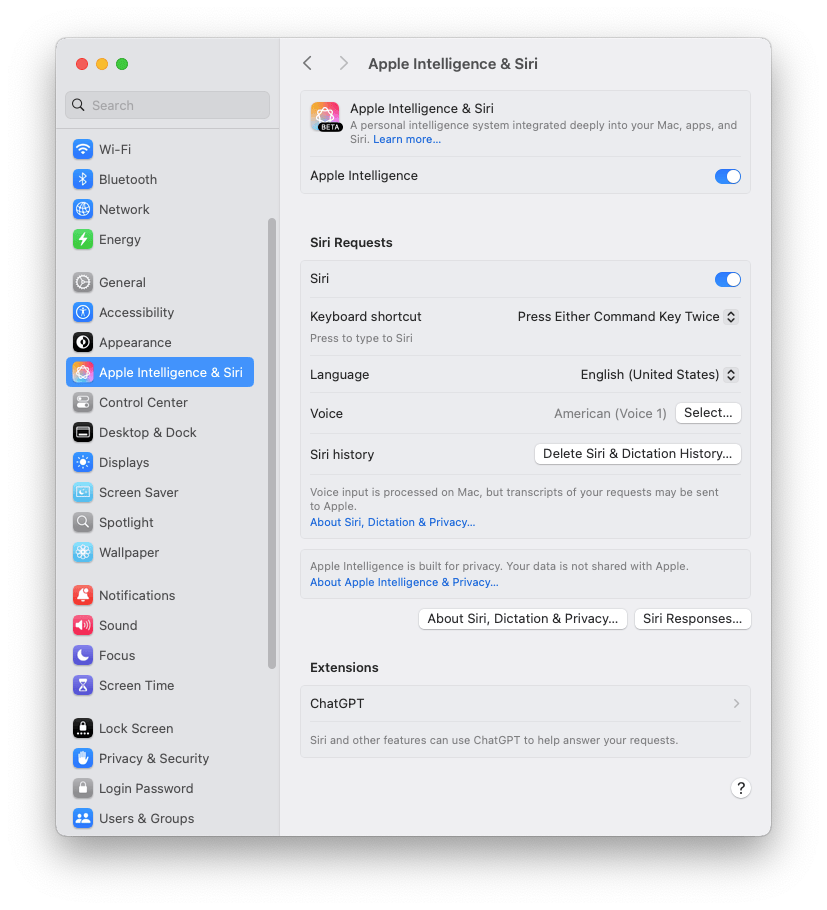
The exact same thing happened on my Mac Studio M2 Ultra, which I hadn’t even touched yet.
It is clear that these changes were triggered by configuring Siri to use the same language as the Mac, in my case, English (though it obviously works for Italian and other major languages as well).1
It’s strange, though, that this didn’t happen a couple of months ago when I did the exact same thing to use apfel and Apple Intelligence on the very same Macbook Air, which was running Tahoe at the time and has now been updated to Golden Gate.
But whatever the reason, Apple Intelligence’s Writing Tools are now working on Sequoia too,
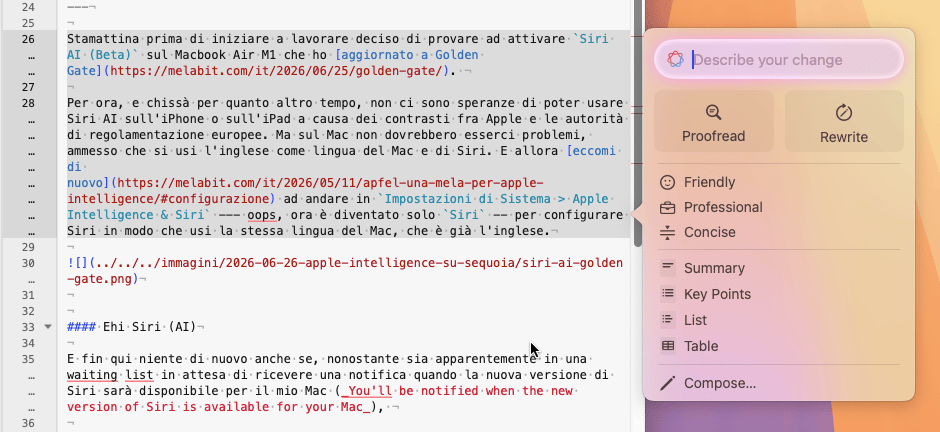
even though, unfortunately, as already noted in my previous post on Apple Intelligence, they lack flexibility since there’s no way to change the default settings. Such flexibility is instead offered by apfel, which I can’t use here on Sequoia because it explicitly requires macOS Tahoe. Too bad!
Having activated Apple Intelligence now also allows me to use Image Playground on the Mac. Whether it’s actually worth using is a different story. In any case, it’s another tool to play around with, which never hurts.
Final thoughts
I didn’t know Apple Intelligence could work on Sequoia too. Reading the documentation, Apple Intelligence has been available in English since Sequoia version 15.1, released in late October 2024, while support for other major languages, including Italian, was added starting with 15.4 (late March 2025, now we are on 15.7.7).
But, partly due to the time that passed between the announcement and when Apple Intelligence actually became available here in Europe, and partly because Apple Intelligence requires both Siri and the Mac to be set to the same language, I had completely forgotten about it.
And I wouldn’t have noticed it today either, if I hadn’t seen the notification on the Mac Mini. A notification that definitely did not appear when, a couple of months ago, I did the exact same thing to try Apple Intelligence and apfel on the Air.
In any case, the requirement to use the same language for both the Mac and Siri just to activate Apple Intelligence is almost ridiculous nowadays. Using two different languages for your Mac and Siri might not be the norm,2 but I’m certain it’s not such an isolated scenario as to not deserve the same attention Apple usually dedicates to other user niches.
-
As I noted in my post on apfel and Apple Intelligence, while you can set a Mac to use English and an iPhone to use Italian, Siri’s configuration is global. Therefore, once English is selected on any Apple device, the choice automatically propagates to all other devices linked to the same account. ↩︎
-
But I’m sure it’s quite common among those who, like me, work in software development and systems administration without being native English speakers. ↩︎
