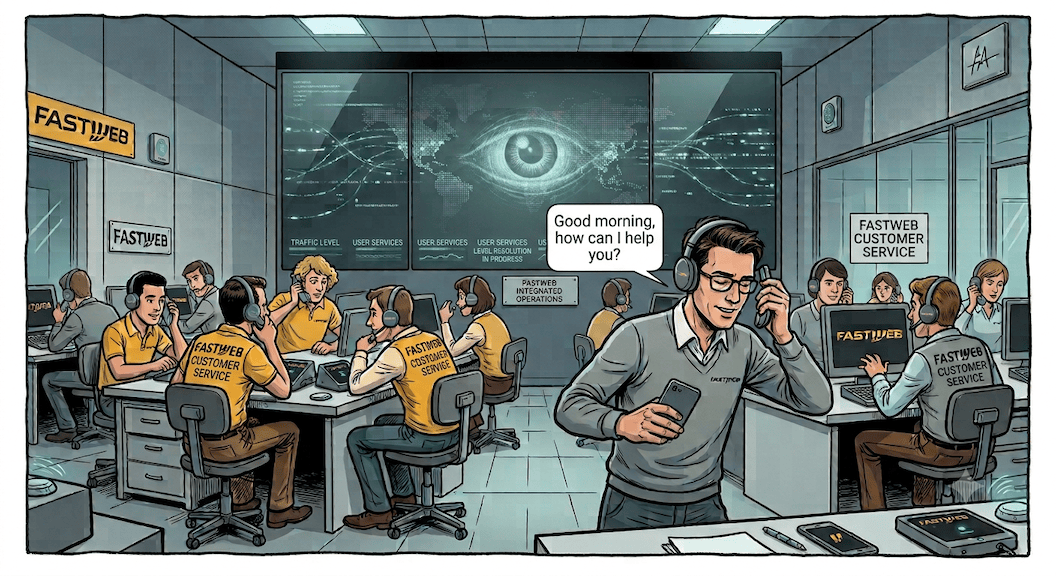
Prologue For several days, I have been struggling with Fastweb’s customer support. The booster paired with my NeXXt modem/router – a total piece of junk, I might add – had kicked the bucket, leaving me without internet access in the room I use as a home office.
Working was not an issue, my iPhone easily provided (almost) all the connection I needed. However, many other services rely on the network and were now completely broken.
Prologue For several days, I have been struggling with Fastweb’s customer support. The booster paired with my NeXXt modem/router – a total piece of junk, I might add – had kicked the bucket, leaving me without internet access in the room I use as a home office.
Working was not an issue, my iPhone easily provided (almost) all the connection I needed. However, many other services rely on the network and were now completely broken.
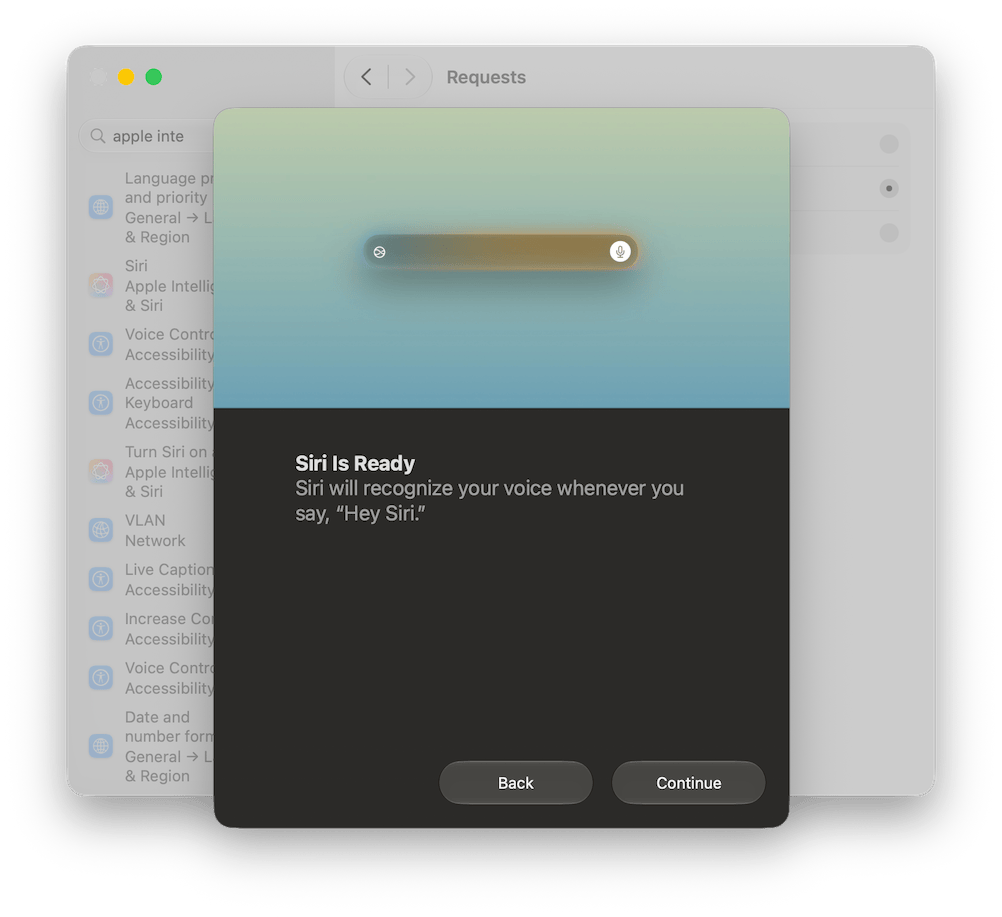
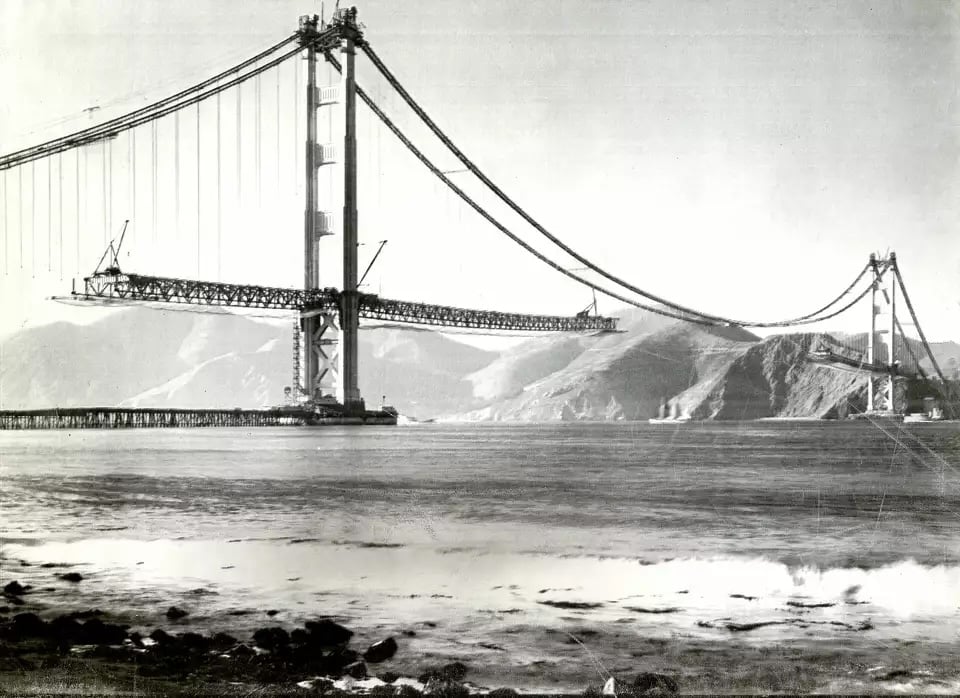
Earlier today, I tried to activate Siri AI (Beta) on the Macbook Air M1 that I updated to Golden Gate a couple of weeks ago.
For now, and who knows for how much longer, here in Europe there’s no hope of using Siri AI on the iPhone or iPad due to the ongoing disputes between Apple and European regulators. But on the Mac, there shouldn’t be any issues, provided you use English as the language for both your Mac and Siri.
The development of macOS has always followed a tick-tock pattern, more or less like Intel processors: the tick versions are more exciting and introduce new and spectacular features, while the tock versions are relaxed and focus on integrating these features into the operating system, fixing bugs and optimizing the overall behavior of the system to make it faster and more responsive.
I won’t make it long, just a few quick hot takes (or should I say lukewarm, since a day has already passed?) on what struck me most in the introductory keynote for WWDC26.
Parental Controls. Maybe it is because my daughters are already grown up, but I’ve always had many reservations about the effectiveness of parental controls. Kids easily bypass them, perhaps with the help of a nerdy friend, while parents gain a false sense of security and, worse still, use them to deceive themselves into thinking they have no responsibility for their children’s online activities.
For years I have had two external drives always connected to my home Mac Mini M1.1 The first is a 2 TB external SSD containing all my work and personal documents, the code for the scripts and applications I develop, documentation, and so on.
A second mechanical drive keeps all my photos and music, as well as a large software library, mainly for macOS and Linux, which I started archiving more than twenty years ago, when you couldn’t find everything online, and which I still keep updating today.
– Source: Julian Zwengel on Unsplash.
One of the (few) reasons to switch to macOS 26 Tahoe is the opportunity to use the language model that powers Apple Intelligence.
Apple Intelligence is the final product, natively integrated into the Apple ecosystem, with which we can process text (but also images) directly on our device. For example, by selecting a section of text and right-clicking with the mouse to choose Show Writing Tools, we have at our fingertips a useful tool for summarising those mile-long documents or for rewriting hastily jotted-down sentences.
Installation To install Homebrew, open Terminal, install the Command Line Tools for Xcode using the command
% sudo xcode-select --install and then run the script
% /bin/bash -c "$(curl -fsSL https://raw.githubusercontent.com/Homebrew/install/HEAD/install.sh)" answering the questions that appear on the terminal. Once the installation is complete, it’s always a good idea to run
% brew doctor to check that the installation process was successful.
– The first image of an Apple II computer ever published in Bit, the most important Italian magazine dedicated to personal computers between the late 1970s and early 1980s (Bit no. 5, November–December 1979).
Fifty years ago, I was a spot-ridden high school student who wouldn’t have known about Apple until the early ’80s, when Bit —- the first Italian magazine dedicated to personal computers -— started featuring the first advertising pages dedicated to the Apple II computer.
Over the last few weeks, I’ve been writing about my experiments with Antigravity, or rather, with the (more or less) intelligent agents integrated into the editor. The results have been mixed: sometimes the agents proved to be very effective, accurately easing some complex or repetitive tasks; in other cases they didn’t accomplish anything worthwhile, only wasting a huge amount of time.
I am well aware that LLMs have poor memory, but I never imagined that I would suffer the consequences so quickly.
– Immagine generata da Google Gemini.
Note to the reader. This article complements the previous one, Antigravity: a driver written by AI, and should be read afterward. However, here’s a brief recap for the lazy readers.
 IT
IT
 EN
EN