The development of macOS has always followed a tick-tock pattern, more or less like Intel processors: the tick versions are more exciting and introduce new and spectacular features, while the tock versions are relaxed and focus on integrating these features into the operating system, fixing bugs and optimizing the overall behavior of the system to make it faster and more responsive.
I won’t make it long, just a few quick hot takes (or should I say lukewarm, since a day has already passed?) on what struck me most in the introductory keynote for WWDC26.
Parental Controls. Maybe it is because my daughters are already grown up, but I’ve always had many reservations about the effectiveness of parental controls. Kids easily bypass them, perhaps with the help of a nerdy friend, while parents gain a false sense of security and, worse still, use them to deceive themselves into thinking they have no responsibility for their children’s online activities.
For years I have had two external drives always connected to my home Mac Mini M1.1 The first is a 2 TB external SSD containing all my work and personal documents, the code for the scripts and applications I develop, documentation, and so on.
A second mechanical drive keeps all my photos and music, as well as a large software library, mainly for macOS and Linux, which I started archiving more than twenty years ago, when you couldn’t find everything online, and which I still keep updating today.
– The first image of an Apple II computer ever published in Bit, the most important Italian magazine dedicated to personal computers between the late 1970s and early 1980s (Bit no. 5, November–December 1979).
Fifty years ago, I was a spot-ridden high school student who wouldn’t have known about Apple until the early ’80s, when Bit —- the first Italian magazine dedicated to personal computers -— started featuring the first advertising pages dedicated to the Apple II computer.
It is not just a matter of disk icons. As soon as I saw what Tahoe had done to the icons of many applications installed on my Mac, I decided I had to do something to restore the original look of the icons.
I tried several times, using Apple’s home‑automation tools, Automator and Shortcuts, but nothing worked and there was always some function missing. Or maybe I’m just not very good at using them.
After less than two months since the official release, Tahoe seems poised to become another one of those macOS versions to be forgotten, like Lion, Mavericks, Sierra, Catalina, or Ventura.
Aside from Liquid Glass, which I’ll discuss in a moment, what does Tahoe have that’s memorable? There’s the telephone‑call filter, which actually belongs more to iOS than macOS and still has many limitations, and there are also improvements to Spotlight search. But is it really worth upgrading an operating system just for that?1
– Source: Macworld.
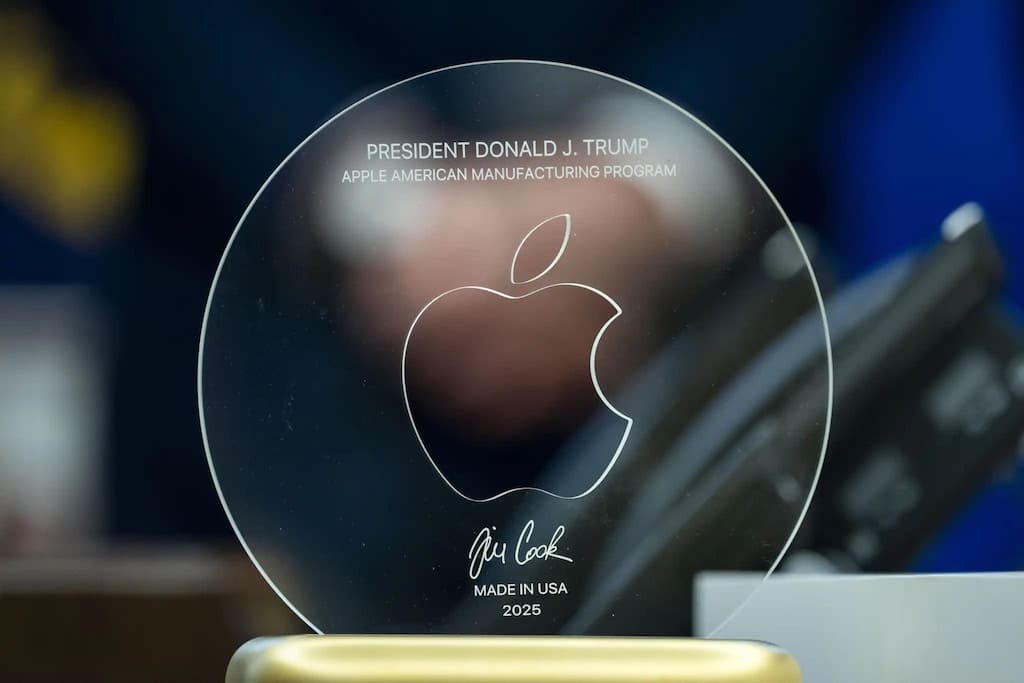
The contrast between the two characters is striking. Tim Cook was born into a working-class family of the Deep South and rose to lead the world’s most important technology company through his own hard work and talent. He is openly gay and proud of it, as well as a defender of the rights of minorities.
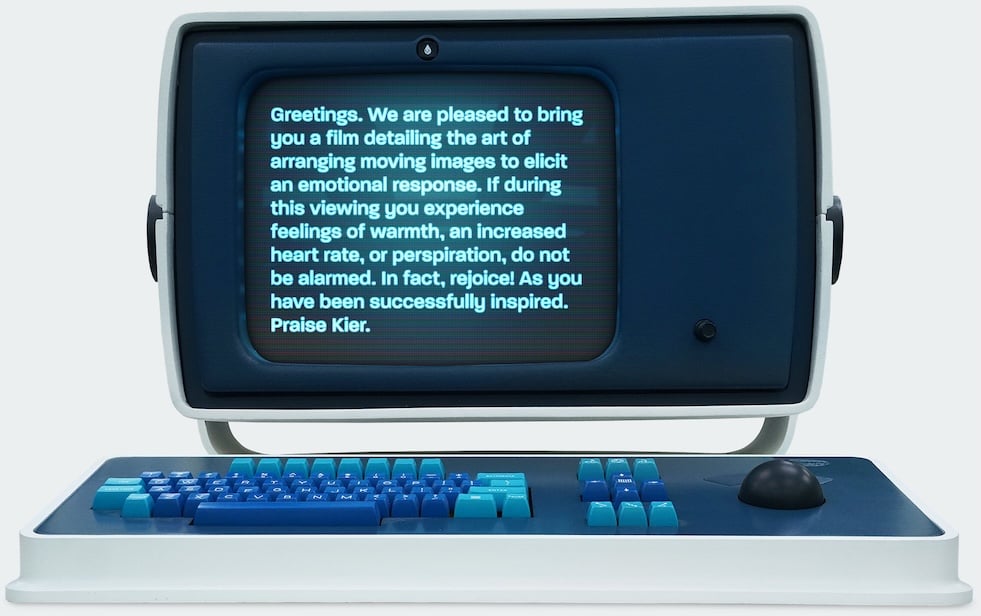
It all started with Severance, the cult TV series that almost everyone liked.
To promote the final episode of the second season, Apple launched a webpage showcasing the Lumon Terminal Pro, the computer used by Lumon Industries employees – a replica of a vintage Data General terminal (more images available here and here). This sparked a race among fans to own a keyboard inspired by that terminal.
A few days ago, right on schedule, Apple released to developers the third update of the macOS 26 Developer Beta, better known as Tahoe.
Once the update is complete, it doesn’t take long to realize that Apple is (slowly) modifying something in the Liquid Glass graphical interface of the latest version of its operating system.1
– Image generated by Google Gemini.
Take macOS Tahoe, updated to version 26.0 Developer Beta 2, and open the Terminal. Actually, don’t just open one Terminal; open two, three, four different Terminals, each in its own tab. More or less like this:
Now tell me: which is the active Terminal?
 IT
IT
 EN
EN