 IT
IT
 EN
EN

Antigravity: a driver written by AI
Among all the Raspberry Pi and Arduino boards I am spending my days with, my favorite is the Raspberry Pi Pico, a small yet powerful microcontroller that can be programmed not only in C/C++ via the Arduino IDE, but also in MicroPython and CircuitPython, two competing Python variants for microcontrollers.
Unlike the other Raspberry Pi models, the Pico does not have a dedicated camera interface, but it can use cameras that communicate over an SPI interface,1 such as the Arducam Mini 5MP Plus.
In theory, this shouldn’t be a hard job. After glancing at the official documentation, it should just be a matter of wiring the camera to the Pico, pulling the driver and test programs from the manufacturer’s GitHub repository, copying them onto the Pico after installing the supported Python version, and finally trying to snap a few pictures.
I couldn’t have been more wrong.
We need a driver
The only two test programs available, one for Arduino and one for CircuitPython, assume you’ll view the video output on Windows, which is odd because most people working with these devices use Linux or macOS. Moreover, CircuitPython is less common than MicroPython, and I’d have preferred the latter for compatibility with the other components already connected to the Pico.
With patience, and armed with a reference program that shows the main functions for handling the device, you could try translating the CircuitPython code to MicroPython (or vice‑versa),2 but there was nothing like that available.
Other guides I found online looked promising, yet they didn’t work in practice. The only option left was to bypass the official tools and write a driver for the camera.
Easier said than done!
I know how to write code to solve differential equations or analyse measurement data. I’m comfortable with micro‑controller programming and sensor data acquisition. But this is a completely different beast. It requires digging into the low‑level communication between the Pico and the camera, a job for specialist engineers who write the drivers that let us humans perform complex operations (like taking a photo) with just a few lines of Python code.
So why not let one of the agents built into Antigravity do what I’m not able to do?
I didn’t have to stick with Antigravity, Claude Code, Google Gemini, DeepSeek, or any of the countless other LLMs at our disposal could have easily handled the task. However, as I’ve already written, using an Antigravity-integrated agent lets you work directly in the editor and access the underlying OS, a huge advantage when you need to keep iterating on the generated code.
AI at work
When you read countless enthusiastic posts about vibe coding – the notion that AI can develop software with little to no human programmer intervention – it looks very easy (read for example, this post that amassed millions of reads, or this one; not to mention the tweet that started it all).3 In summary, you write a couple of sentences asking the LLM or the current agent to do something, you go have lunch or take a walk, and when you come back everything is ready.4
Let’s try doing the same with Gemini, giving it only the essential information and checking what it can actually do. In this case, this information boils down to the link to the camera’s web page and a table describing how the camera pins are connected to the Pico (it’s more than three lines, I know, but I’m a bit verbose).
Prompt
I have a Rasperry Pi Pico 2W connected to a Arducam 5MP Plus OV5642 Mini Module Camera Shield (https://www.arducam.com/arducam-5mp-plus-spi-cam-arduino-ov5642.html). I have connected the camera to the Pico using the standard layout found in the documentation:
| Camera | CS | MOSI | MISO | SCK | GND | VCC | SDA | SCL |
| Pico | GP5 | GP3 | GP4 | GP2 | GND | 3V3 | GP8 | GP9 |
Please write a basic Micropython code to test that everything is right and that the camera can take photos
Gemini attacks the problem furiously, spits out MicroPython code that doesn’t run, tries to fix it based on my hints, and inevitably introduces new errors (I keep saying Gemini for brevity, but I’ve also tried Gemini 3.1 Pro, Claude Opus 4.6, and Claude Sonnet 4.6, as my tokens ran out).
At some point, completely stumped, Gemini starts suspecting a hardware issue, such as a bad connection or a defective camera (but probing the individual pins quickly finds that everything is wired correctly).
After hours and hours of work, and because it can’t produce anything decent with MicroPython, I ask it to switch to Arduino, a more mature software platform. More hours later, stubbornly, it succeeds, and the image below is the very first picture ever taken with the Arduino code generated by Gemini (the original image was upside-down; I simply rotated it 180°).
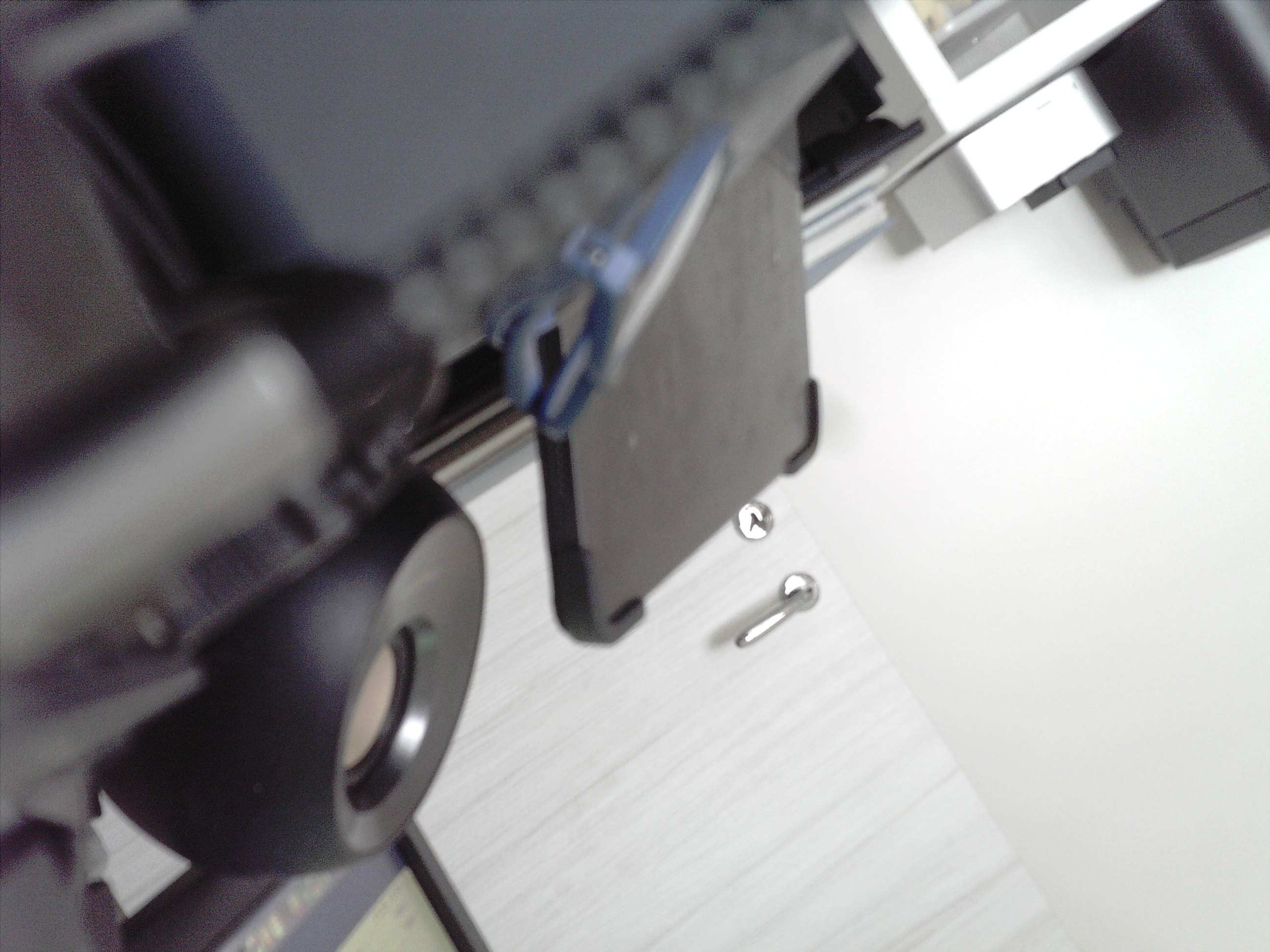
Soon after, I make a serious mistake that forced me, or better it, to start from scratch. But that’s a story for another post.
Epilogue
Once I had a working Arduino program, I asked Gemini to redo everything for CircuitPython. This port also takes several hours of work, interspersed with a couple of forced restarts of the Mac which, after some nasty CircuitPython bug, was forced to disable communication between the USB ports and the Pico.
In theory I should repeat the cycle a third time for MicroPython. But the thought of wasting even more time watching Gemini work makes me shiver, so I shelved that idea, at least for now.
Conclusions
I don’t know what those who write countless articles proclaiming that anyone can have AI write a perfectly functioning program in no time, even if they don’t know a thing about programming, are using.
Even though I know something about programming, I’ve only succeeded with the simplest experiments described in the two previous articles. And it certainly didn’t happen here. It is worth noting, however, that I’m in good company.
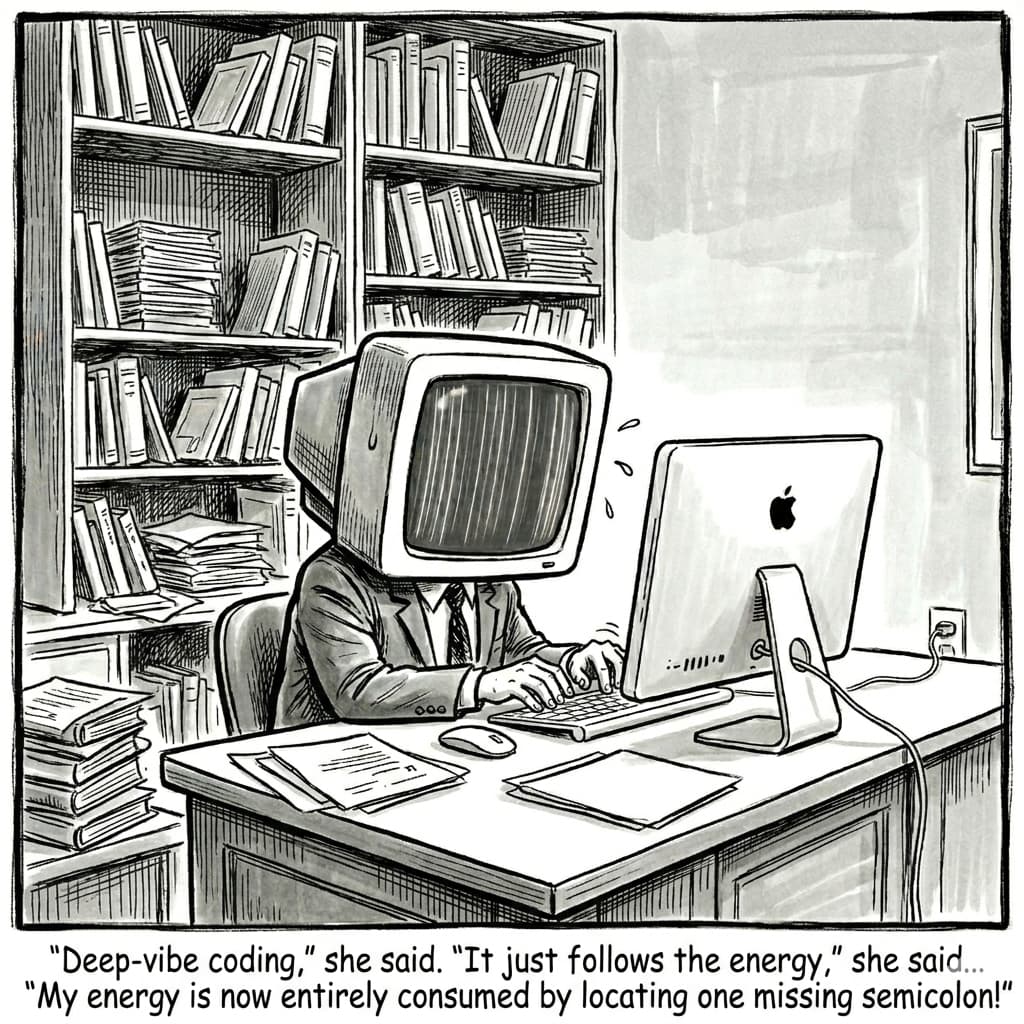 – Immagine generata da Google Gemini.
True, following the vibe coding mantra to the letter, I didn’t write a single line of code. I even let Gemini execute terminal commands that I could type blindfolded. But it’s equally true that without my constant dialogue, without guiding the agent step-by-step, without correcting its countless, and often trivial, mistakes, Gemini would have gone nowhere.
And it took many hours of uninterrupted work, too many hours in my humble opinion, to achieve something usable.
Forget speedy, intuitive programming. Forget coding based on good vibrations from the 1960s. Forget programming for dummies!5
If you don’t roll up your sleeves and get your hands dirty with the code, even code produced by a more or less intelligent agent, you won’t get you anywhere. I’d love to be proven wrong.
-
The SPI (Serial Peripheral Interface) is a fast and reliable serial communication protocol widely used to connect a microcontroller (master) to one or more peripheral devices (slave). ↩︎
-
While writing the article I found this video that explains how to mix MicroPython and CircuitPython code in the same script. If it works for more complex tasks than toggling an LED, it would be a real breakthrough. ↩︎
-
Is it a coincidence that they are always very long posts but never contain a shred of evidence, a prompt, a few lines of code, or links to support the many unverified (and unverifiable) claims? ↩︎
-
Being true nerds, no one ever says they’re going to have sex. ↩︎
-
From the title of the famous For Dummies book series, covering everything from using DOS to playing chess. ↩︎

Comments
Add a comment
@name
@message