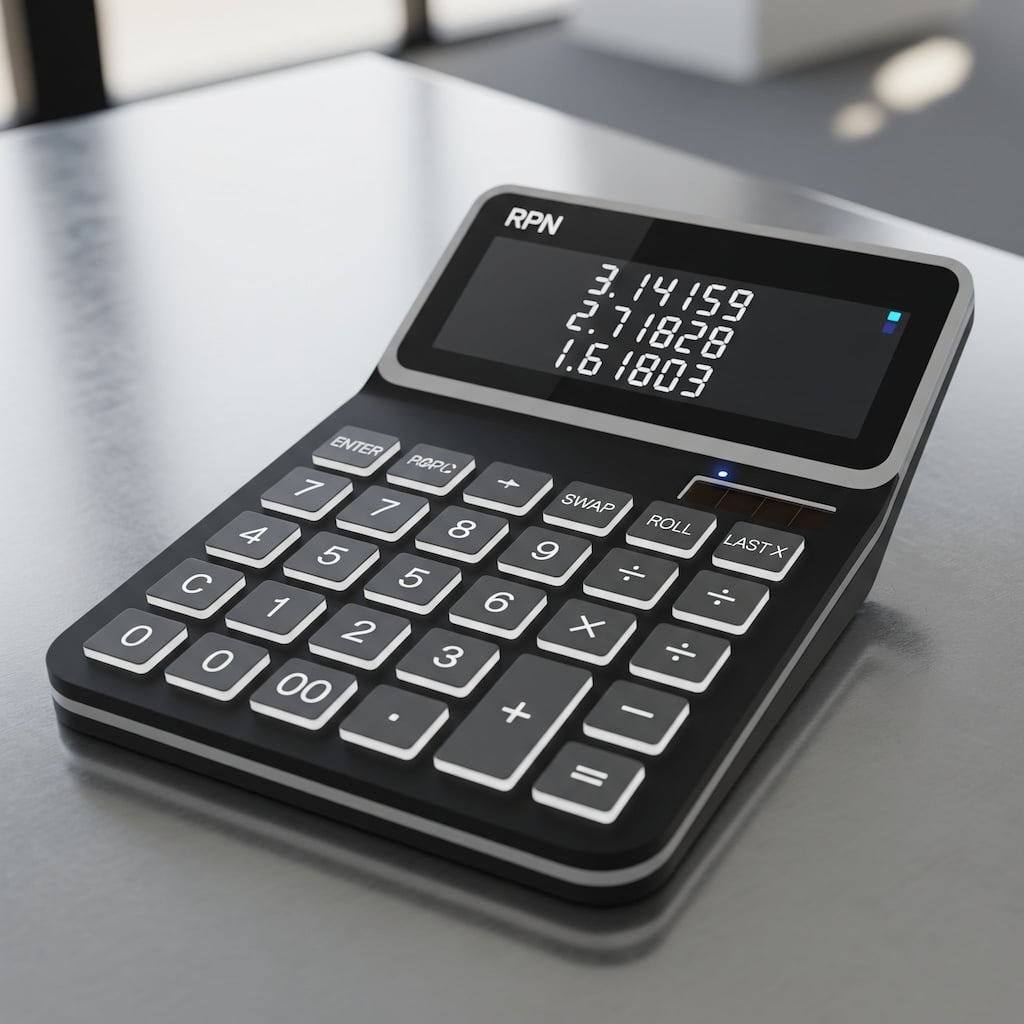
The Reverse Polish Notation (RPN) is a method for performing calculations without the need for parentheses. RPN was popularized in the ’70s and ’80s by Hewlett-Packard (HP), that used it in all its scientific and financial calculators.
When using calculators from rival Texas-Instruments, which all relied on parentheses, it was easy to lose track of how many parentheses had been opened or closed, often forcing users to re-enter the entire expression from scratch. Those who used an RPN calculator didn’t have these problems, although they had to overcome a small initial learning curve to get used to the new notation.
– Image generated by Google Gemini.
Take macOS Tahoe, updated to version 26.0 Developer Beta 2, and open the Terminal. Actually, don’t just open one Terminal; open two, three, four different Terminals, each in its own tab. More or less like this:
Now tell me: which is the active Terminal?
– Image generated by Microsoft Designer AI.
In the last post, I described some very recent bugs present in Sonoma, the latest version of macOS.
The bugs reported here, however, have persisted across several versions of macOS, and it seems that Apple has no intention of fixing them or doesn’t even consider them to be bugs. These issues, unlike other reports, don’t occur under extreme conditions or after opening a zillion files but during completely normal use, which makes it even stranger that they’ve never been resolved.
 IT
IT
 EN
EN